Hey there, digital adventurer! Ever found yourself staring at a wall of USB flash drives, wondering which one is truly the best buy for your needs? You’re not alone. In today’s fast-paced world, a reliable USB flash drive is more than just a piece of plastic; it’s your digital lifeline for transferring files, backing up precious memories, or even carrying your entire work environment in your pocket. As someone who’s spent over a decade navigating the ins and outs of flash technology, I’m here to demystify the choices and help you pick the perfect best buy USB flash drive that will serve you well for years to come.
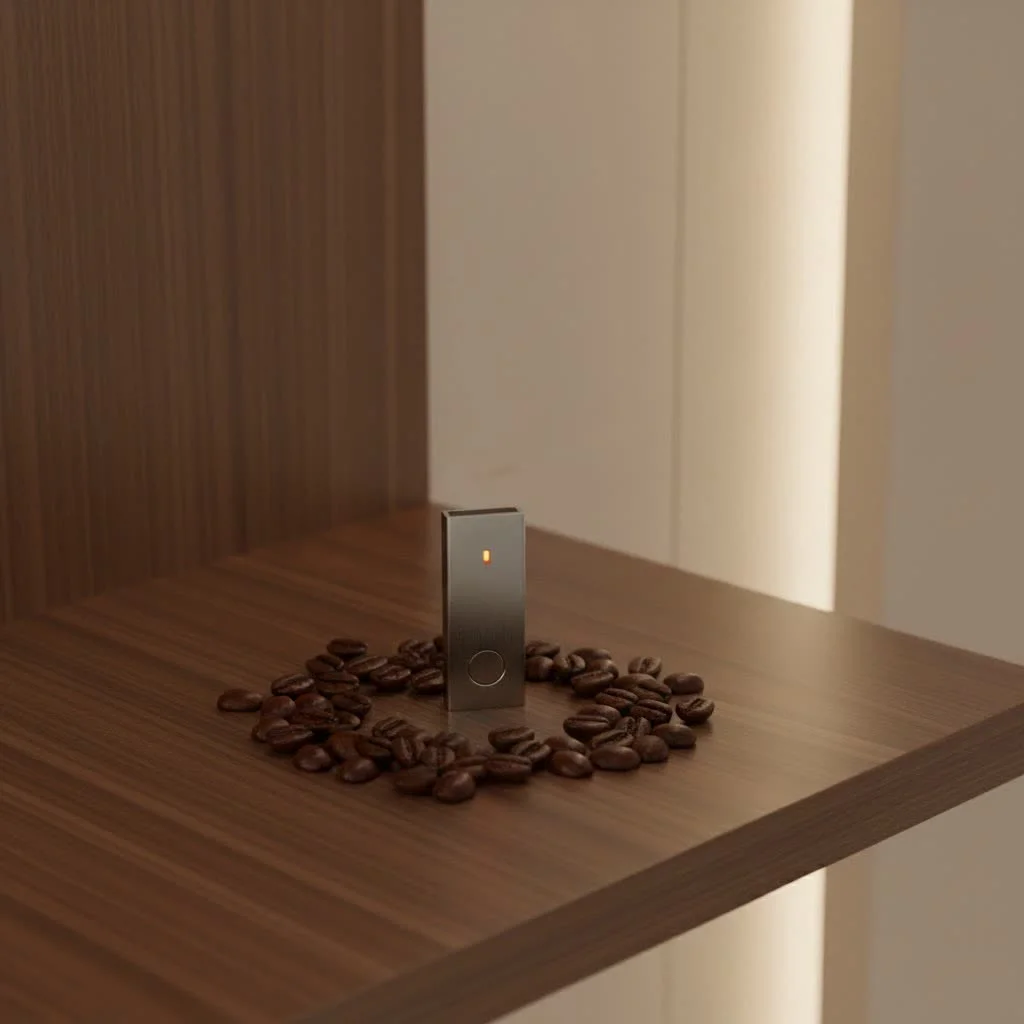
Understanding the jargon and myriad options can feel like a maze, but don’t sweat it. We’re going to break down everything you need to consider, from blistering speeds to robust security and universal compatibility, ensuring you make an informed decision that truly fits your lifestyle. For browse all portable digital articles on this site.
Understanding USB Flash Drives: Key Considerations
Before you click “add to cart,” let’s dive into the essential factors that differentiate a good flash drive from a great one. These aspects directly impact how you’ll use your drive and how effectively it meets your expectations.
Capacity: How Much Space Do You Really Need?
This is often the first question people ask. Flash drive capacity is measured in gigabytes (GB) or even terabytes (TB), and more GBs mean more storage.
- For everyday documents and a few photos: A 32GB or 64GB flash drive is usually more than enough. Think of it as a digital briefcase for school assignments, presentations, or sharing vacation photos with family.
- For extensive photo libraries and HD videos: Stepping up to 128GB or 256GB provides ample room. If you’re into photography or regularly deal with high-resolution media, these capacities keep you covered.
- For 4K videos, large software installations, or full system backups: You’ll want to look at 512GB, 1TB, or even higher. These are powerhouses for professionals or anyone needing to move massive amounts of data efficiently. A 128GB flash drive, for instance, can quickly store and transfer 4K and HD videos.
Remember, it’s always better to have a little extra space than to run out when you need it most.
Speed and Interface: USB 2.0 vs. 3.x and USB-C
Ever tried transferring a large file and watched the progress bar crawl? That’s usually down to the USB interface. Speed is crucial, especially if you’re frequently moving big files.
- USB 2.0 (The Classic): This is an older standard, with transfer speeds up to 480 Mbps. While widely compatible and often found in cheaper drives, it’s significantly slower for large files. Transferring a 16GB file could take about five minutes.
- USB 3.0/3.1 (The Workhorse): Offering speeds up to 5,000 Mbps (5 Gbps), USB 3.0 is roughly ten times faster than USB 2.0. This makes a huge difference for moving HD videos or large documents quickly. All USB 3.0 drives are backward compatible with USB 2.0 ports, though they will operate at the slower 2.0 speeds.
- USB 3.2 (The Speed Demon): This standard pushes the envelope even further, with some versions supporting speeds as high as 20,000 Mbps (20 Gbps). If you’re dealing with 4K/8K video editing or demanding professional tasks, a USB 3.2 drive like the Kingston DataTraveler Max can deliver read speeds up to 1,000MB/s and write speeds up to 900MB/s.
- USB-C and Dual Connectors: With more modern devices adopting USB-C ports, drives with both USB-A and USB-C connectors (like the SanDisk Ultra Dual Drive Go) offer incredible versatility, making them ideal for new laptops, smartphones, and tablets. Some drives even include Lightning connectors for direct iPhone and iPad compatibility.
“When it comes to speed, don’t just look at the numbers on the box,” advises our lead engineer, John R. Sterling. “Real-world performance can vary, but generally, investing in a USB 3.0 or higher drive is a game-changer for anyone moving more than just a few documents.”
Durability and Design: Built to Last
|
Our Picks for the Best Flash Drive in 2026
As an Amazon Associate I earn from qualifying purchases.
|
||
| Num | Product | Action |
|---|---|---|
| 1 | Amazon Basics USB Flash Drive, Thumb Drive Memory Stick with USB C and USB A Dual Ports, 128GB, Champagne Silver |

|
| 2 | Amazon Basics 256 GB Ultra Fast USB 3.1 High Capacity Flash Drive for Data Transfer and Storage, Black |
|
| 3 | SanDisk 128GB Ultra Flair USB 3.0 Flash Drive - SDCZ73-128G-G46, black |
|
| 4 | SAMSUNG FIT Plus 3.1 USB Flash Drive, 128GB, 400MB/s, Plug In and Stay, Storage Expansion for Laptop, Tablet, Smart TV, Car Audio System, Gaming Console, MUF-128AB/AM,Gunmetal Gray |
|
| 5 | SanDisk 64GB 2-Pack Ultra USB 3.0 Flash Drive (2x64GB) - SDCZ48-064G-GAM462, Black |
|
| 6 | USB Flash Drive 64GB, Techkey External Memory Photo Keeper Storage Stick for Picture/Video/Data Saver/Backup V1.96 High Speed Thumb/Jump/Hard Drives-Lavender Blush |
|
| 7 | SANDISK 128GB Extreme Fit USB-C Flash Drive - Up to 400MB/s Read speeds, USB 3.2 Gen 1, USB Type-C - Plug-and-Stay Storage - Black - SDCZ530-128G-G46 |
|
| 8 | Amazon Basics 128 GB Ultra Fast USB 3.1 Flash Drive, Black |
|
| 9 | USB Flash Drive 64GB, Techkey External Memory Photo Keeper Storage Stick for Picture/Video/Data Saver/Backup V2.30 High Speed Thumb/Jump/Hard Drives-Coal Black |
|
| 10 | SanDisk 256GB Ultra Flair USB 3.0 Flash Drive - SDCZ73-256G-G46, black |
|
Flash drives are portable, which means they’re prone to bumps, drops, and the general wear and tear of daily life. Durability features can save your data from accidental mishaps.
- Material Matters: Many drives feature rugged designs, from metal casings to rubberized exteriors that protect against shock, water, and even extreme temperatures.
- Retractable vs. Capped: Retractable designs eliminate the cap, meaning one less thing to lose and often offering better protection for the USB connector when not in use. Some even have a sleek, capless design.
- Compactness: The entire point of a pen drive is its portability. Look for one that can easily attach to your keyring or slip into your pocket without being bulky.
Security Features: Protecting Your Precious Data
Your data is valuable, and losing it or having it fall into the wrong hands can be a nightmare. Security is paramount, especially for sensitive information.
- Password Protection: Many flash drives come with software that allows you to password-protect your files, ensuring that even if the drive is lost, your data remains safe.
- Hardware Encryption: For top-tier security, look for drives with AES 256-bit hardware encryption, like the Kingston IronKey Keypad 200 or certain PNY Pro Elite models. This level of encryption offers robust protection for sensitive data.
Compatibility: Will It Work with All Your Devices?
A great flash drive should be a universal tool, not a device-specific headache. Consider the types of ports on your most frequently used devices.
- Operating Systems: Most flash drives are plug-and-play compatible with Windows and Mac operating systems, and many work seamlessly with Linux.
- Device Connectors: As mentioned, dual USB-A/USB-C drives are fantastic for bridging the gap between older and newer devices. For iPhone users, drives with a Lightning connector are a must-have.
Top Picks for Your Next Best Buy USB Flash Drive
Now that we’ve covered the crucial factors, let’s look at some popular options you might consider for your best buy USB flash drive at retailers like Best Buy, categorized by common user needs.
Best Overall Performance
If speed is your absolute priority for large files and demanding tasks, these drives lead the pack:
- SanDisk Extreme Pro USB 3.2: Known for ultra-fast read (up to 420MB/s) and write (up to 380MB/s) speeds, this drive is a powerhouse for creative professionals. It boasts a durable aluminum casing and offers SecureAccess encryption software.
- Kingston DataTraveler Max USB 3.2 Gen 2: This drive delivers blazing speeds, with up to 1,000MB/s read and 900MB/s write, making it suitable for 4K and 8K video files.
Best for Everyday Use and Value
For reliable performance without breaking the bank, these are excellent choices for the average user:
- SanDisk Ultra Series: Drives like the SanDisk Ultra 64GB USB 3.0 Flash Drive offer a good balance of speed and affordability for everyday file transfers and storage.
- PNY Attache 4 USB 2.0 (Multi-Packs): While USB 2.0, these are often available in cost-effective multi-packs, perfect for casual use, giving to friends, or keeping basic backups.
Best for Mobile Devices
If you often transfer files between your phone, tablet, and computer, look for drives with versatile connectors:
- SanDisk Ultra Dual Drive Go: This popular choice features both USB-A and USB-C connectors, making it incredibly convenient for transferring files between smartphones, tablets, and computers. It’s available in various capacities, including 512GB and 1TB.
- SanDisk iXpand Flash Drive Go: Specifically designed for Apple users, this drive comes with a Lightning connector for iPhones and iPads, alongside a USB-A 3.0 connector for computers.
Best for Secure Storage
When data protection is your primary concern, these drives offer peace of mind:
- Kingston IronKey Keypad 200: This drive is built for maximum security, featuring a physical keypad for PIN access and strong encryption, making it ideal for highly sensitive data.
- PNY Pro Elite USB 3.0 with AES 256-bit Encryption: Offering reliable performance and built-in AES 256-bit encryption, this compact drive provides a secure solution for your files.
Flash Drive Maintenance Tips
Even the toughest flash drive needs a little care to ensure longevity and data integrity.
- Always Eject Safely: Don’t just pull your drive out. Always use the “Safely Remove Hardware” option on Windows or “Eject” on Mac. This prevents data corruption.
- Regular Backups: While flash drives are great for portability, they shouldn’t be your only copy of critical data. Keep multiple backups, whether on a hard drive, cloud storage, or another flash drive.
- Keep it Clean and Protected: Store your flash drive in a clean, dry place. If it has a cap, keep it on. For retractable drives, ensure the connector is retracted when not in use.
- Beware of Counterfeits: Purchase your flash drives from reputable retailers like Best Buy to avoid counterfeit products that may have inaccurate storage capacities or poor performance.
FAQs: Your Burning Questions Answered
We get a lot of questions about flash drives. Here are some of the most common ones.
How long do flash drives last?
Manufacturers typically claim that flash drives can last up to 10 years or even more. However, their lifespan can vary based on usage, quality, and the number of read/write cycles.
Can I use a USB 3.0 drive in a USB 2.0 port?
Yes, absolutely! USB 3.0 flash drives are backward compatible with USB 2.0 ports. However, the drive will operate at the slower USB 2.0 speeds.
What’s the difference between a flash drive and a thumb drive?
There is no functional difference. “Flash drive,” “thumb drive,” “pen drive,” and “memory stick” are all common terms used interchangeably to refer to the same portable USB storage device.
Is higher capacity always faster?
Generally, higher capacity flash drives, especially those with newer USB interface standards (3.0, 3.1, 3.2), tend to offer faster read and write speeds. This is because they often incorporate more advanced controllers and memory chips.
Should I encrypt my flash drive?
If you store any sensitive personal, financial, or work-related data on your flash drive, encrypting it is a highly recommended security measure. This protects your information if the drive is lost or stolen.
Final Thoughts on Your Best Buy USB Flash Drive
Choosing the best buy USB flash drive might seem like a small decision, but getting it right can save you a lot of time, frustration, and potential data loss. By focusing on capacity, speed, durability, security, and compatibility, you can confidently select a drive that perfectly matches your needs. Whether you’re a student, a creative pro, or just someone who needs reliable portable storage, there’s a perfect flash drive out there waiting for you.
So go ahead, explore the options, and confidently make your best buy. And remember, keep those digital files safe and accessible!
Get our weekly buyer guide
Practical specs, not advice. Unsubscribe anytime.